Best Label Printers for UK Business in 2026
Choosing the right label printer can make everyday business tasks much easier. From printing shipping labels for online orders to creating product labels, stock labels and barcodes, the right machine can save time and keep work organised.
For UK businesses in 2026, the best choice depends less on simply finding the cheapest option and more on matching the printer to the type of labels, printing volume and working environment. Desktop models can suit offices and smaller shops, while faster models may be more suitable for retail, warehouses and busy dispatch areas.
What Is a Label Printer?
A label printer is designed to print information directly onto adhesive labels. Businesses use them for product identification, postage, stock control, barcodes, shelves and packages.
Unlike a standard office printer, a label printer is built around label rolls or similar label materials. This makes it a practical choice when a business needs to produce many small labels quickly and consistently.
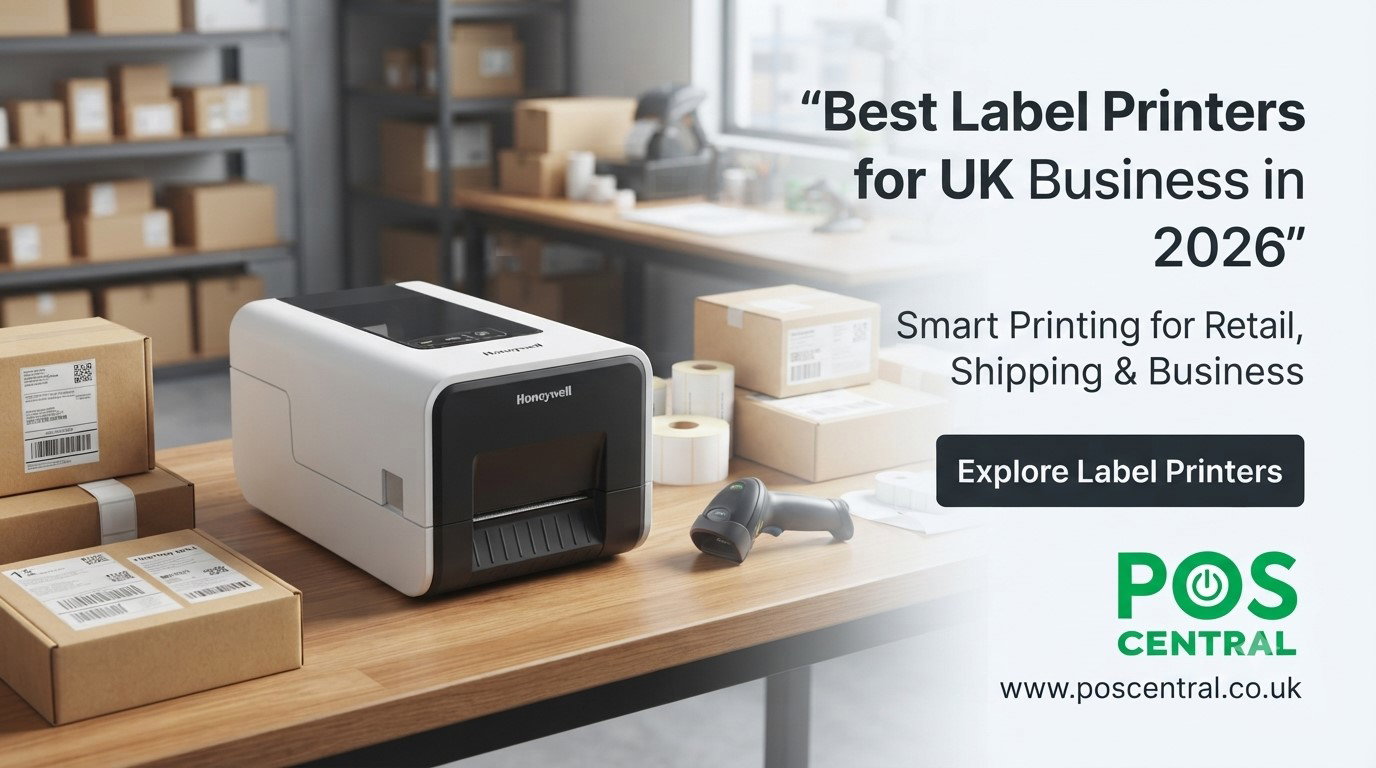
Why Do UK Businesses Need Label Printers?
A good label printer can support many everyday tasks. An online retailer may use one for parcels, while a shop may print product and price labels. Warehouses can use labels to identify stock, locations and packages.
They are also useful in offices, manufacturing, hospitality and logistics. The key is choosing a model that matches the workload rather than paying for features that will rarely be used.
Types of Label Printers
Thermal Label Printer
A thermal label printer uses heat to create printed text, images or barcodes. It is commonly used for labels because it can produce clear results without relying on traditional ink cartridges.
Direct Thermal Label Printer
A direct thermal label printer prints onto heat-sensitive labels. It is particularly useful for applications where labels do not need to remain readable for a very long period, such as many shipping or temporary stock labels.
Thermal Transfer Label Printer
A thermal transfer printer uses a ribbon to transfer the image onto the label. This can be a better choice when the printed information needs greater resistance to everyday handling or longer-term use.
Barcode Printer
A barcode printer is designed to produce clear barcode labels for products, stock and packages. Retailers and warehouses can use these labels to make identification and stock handling easier.
Handheld Label Printer
A handheld label printer is useful when labels need to be created away from a fixed desk. It can be convenient for stockrooms, shelves, maintenance work and other mobile tasks.
Best Label Printers for UK Business in 2026
The following four models cover different business needs and printing methods.
Zebra ZD220 Label Printer
The Zebra ZD220 is a 203 dpi thermal transfer model with USB connectivity and a 4-inch print width. It can be a sensible option for businesses looking for a straightforward desktop printer for retail, product or general labelling tasks.
Bixolon SLP-DX220
The Bixolon SLP-DX220 is a direct thermal model with USB and RS232 connectivity, 203 dpi resolution and a 2-inch print width. Its compact format may suit businesses working with smaller labels and routine retail or logistics tasks.
Honeywell PC42E-T
The Honeywell PC42E-T uses thermal transfer printing and provides USB and Ethernet connectivity with 203 dpi resolution and a 4-inch print width. It may be suitable for businesses that want a desktop solution for retail, warehouse or logistics work.
TSC DA210
The TSC DA210 is a direct thermal barcode printer with USB 2.0 connectivity, 203 dpi resolution and a stated 6 IPS print speed. It is designed for applications including shipping, retail and healthcare, making it worth considering for businesses producing regular barcode labels.
Direct Thermal vs Thermal Transfer: Which Is Better?
The right option depends on how the label will be used.
| Requirement | Direct Thermal | Thermal Transfer |
|---|---|---|
| Printing method | Uses heat-sensitive labels | Uses a ribbon |
| Temporary labels | Very suitable | Suitable |
| Shipping labels | Often suitable | Suitable |
| Long-term labels | Less suitable in some conditions | Often a better choice |
| Product labels | Suitable for some uses | Useful where durability matters |
| Ongoing materials | Heat-sensitive labels | Labels plus ribbon |
For short-term shipping or dispatch labels, direct thermal printing can be convenient. For labels that need to remain useful for longer, thermal transfer can make more sense.
How to Choose the Best Label Printer
Before you buy a label printer online, check the basics first.
What labels will you print?
Check the required label size and material.
How much will you print?
A small office may have very different needs from a warehouse processing hundreds of packages.
Do you need durable labels?
If labels will face regular handling, consider whether thermal transfer printing is more suitable.
What connection do you need?
Check whether USB, Ethernet or another connection fits your existing setup.
Do you print barcodes?
Make sure the printer can produce clear labels at a suitable resolution.
How much space do you have?
A compact desktop model can be easier to place beside a till, packing desk or office computer.
Best Label Printer for Shipping and Postal Labels
A shipping label printer should make parcel preparation simple. Look for a suitable label size, clear printing, dependable operation and a connection that fits your packing station.
For an online shop, direct thermal printing can be convenient for many temporary shipping labels. If labels need greater durability, a thermal transfer printer may be worth considering.
Label Printers for Retail and Barcode Printing
Retail businesses can use label printing machines for product identification, stock management, shelf labels and barcodes. Warehouses can also label boxes, shelves and inventory locations.
The important point is to choose based on the actual task. A business printing small product labels does not necessarily need the same printer as a warehouse handling larger shipping labels every day.
What to Check Before Buying a Label Printer for Sale in the UK
Before ordering, check:
- Label size and type
- Direct thermal or thermal transfer printing
- Expected daily workload
- Print speed
- Print resolution
- USB or Ethernet connectivity
- Available workspace
- Label and ribbon costs
- Barcode requirements
- Future printing needs
A slightly more suitable printer can be a better long-term purchase than choosing only by the lowest price.
Common Buying Mistakes
One common mistake is buying a printer without checking the labels it supports. Another is choosing a fast model when the business has only light printing needs.
It is also easy to overlook running costs. Thermal transfer models require ribbons, while direct thermal models require suitable heat-sensitive labels. Connectivity is another detail worth checking before placing an order.
The best label printer for a UK business depends on what you print, how often you print and how long the labels need to last. Compare the printing method, label size, connectivity, workload and running costs before choosing a model. For businesses comparing suitable label printers, POS Central UK provides a range of options for different labelling requirements.
Frequently Asked Questions
What is the best label printer for a small business?
There is no single answer. A compact desktop model can be suitable when printing volumes are moderate, and space is limited.
Is a thermal label printer good for shipping labels?
Yes. Thermal printing is widely suited to shipping and parcel labels, provided the printer and label size match the business workflow.
What is the difference between direct thermal and thermal transfer?
Direct thermal printing uses heat-sensitive labels, while thermal transfer printing uses a ribbon to create the printed image.
What is a barcode printer used for?
It is used to produce readable barcode labels for products, stock, parcels and other items that need quick identification.
Can I buy a label printer online in the UK?
Yes. Before ordering, compare the printer's printing method, label size, connectivity, workload and ongoing material requirements.
Do thermal label printers need ink?
Thermal printers generally do not use conventional ink cartridges. Direct thermal models print onto heat-sensitive labels, while thermal transfer models use a ribbon.
